Automation
Automate any workflow with Make: a beginner's guide
Automation works when the process is already clear. Start by mapping the decision path.
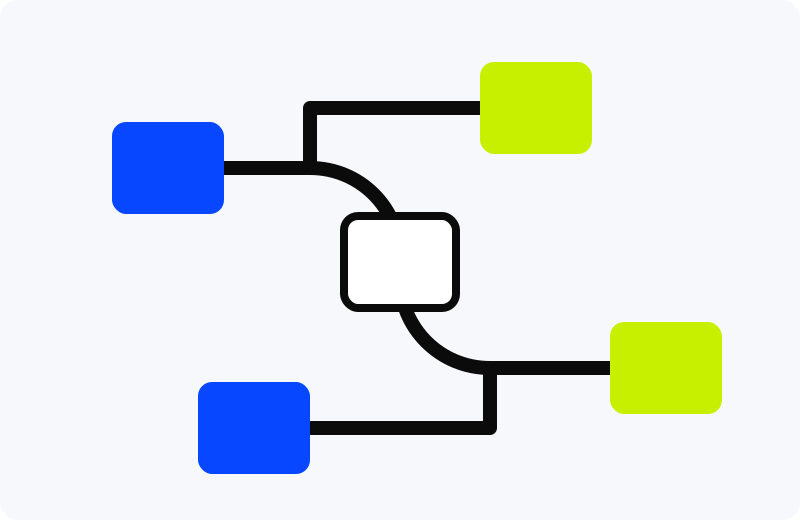
Make and similar automation tools are powerful because they connect apps without custom code. They are also easy to misuse. A bad automation silently moves bad data faster. A good automation removes a repeated handoff you already understand.
Start with the trigger
Write one sentence: "When X happens, do Y." If the trigger is fuzzy, the automation is not ready. Good triggers include a new form response, a labeled email, a calendar event, a file in a folder, or a row added to a sheet.
Name the minimum data
List the fields the automation needs. If a field can be blank, decide what happens. This is where most beginner automations break.
Add filters before actions
Do not send every event downstream. Add filters for category, sender, status, amount, or date. A filter is cheaper than undoing the wrong action later.
Design the failure path
Every automation needs an error destination. Send failures to a log, notification, or review sheet. If you cannot see failures, you do not have an automation; you have a mystery.
Maintain it monthly
Once a month, check whether app permissions, field names, folders, and filters still match the real workflow. Small changes in connected apps can break quiet automations.
Beginner build: email label -> filter by sender -> create task -> append row to log -> send confirmation.
If you are automating research or publishing tasks, pair this with the research search workflow so your inputs stay clean.